How to Choose the Right Website Design for Your Business
The right website design is not simply the one you like the most. It should fit your business, speak to your customers, support your goals, and make it easy for visitors to take the next step.
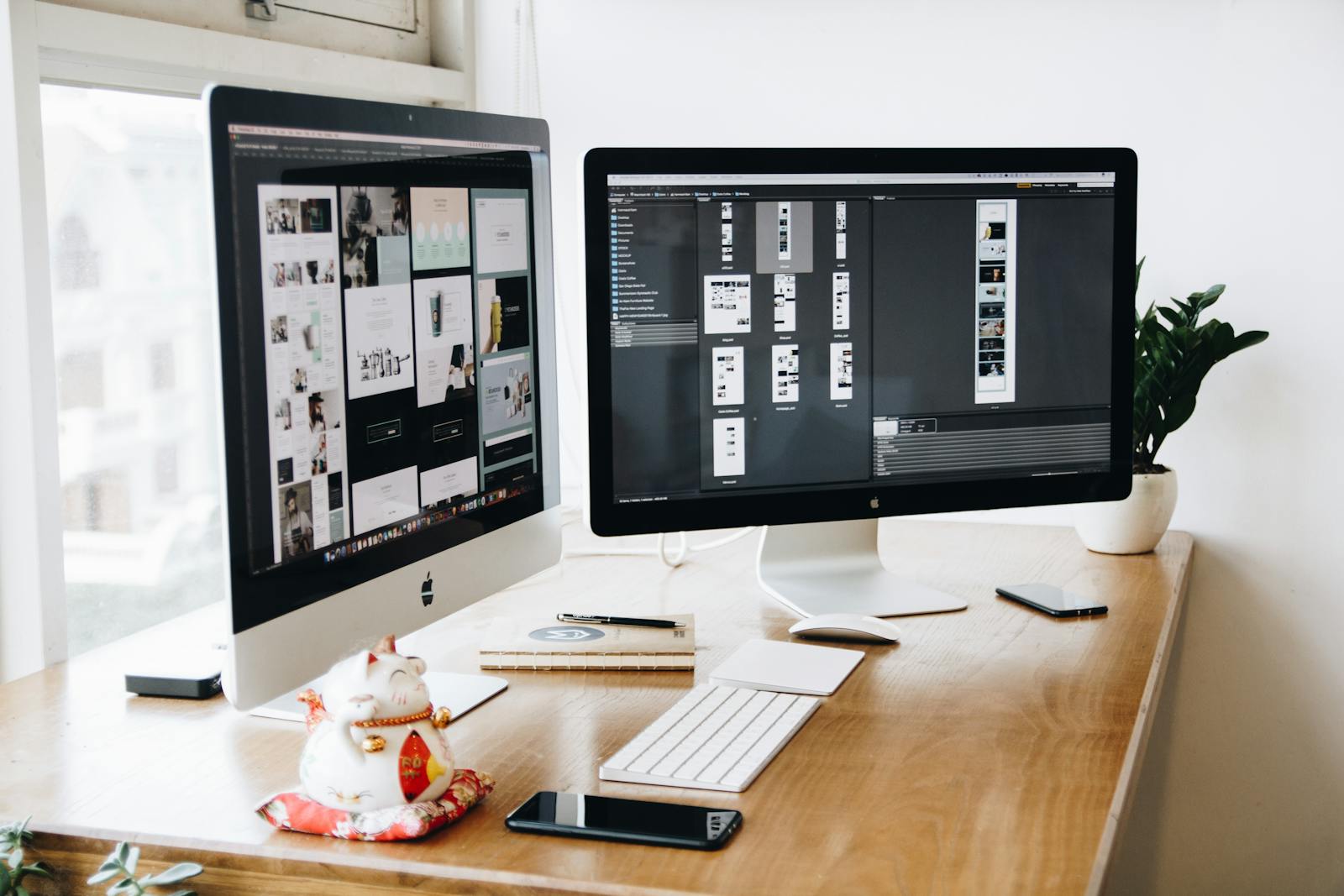
Your website is being designed for your customers, not just for you. Personal preference matters, but business goals and customer experience should guide the final decisions.
Start with the purpose of the website
Before choosing colors, fonts, templates, photos, or layouts, answer a more important question:
What do you need the website to accomplish?
Different businesses need websites to do different jobs.
A restaurant may want visitors to view the menu and make a reservation. A contractor may want quote requests. A consultant may want appointments. A retailer may want online purchases.
Your website's purpose should influence its design.
Your primary goal might be to:
- Generate leads
- Sell products
- Book appointments
- Receive quote requests
- Build credibility
- Educate potential customers
- Showcase your work
- Drive phone calls
Once that goal is clear, many design decisions become easier.
1. Design for your customer, not yourself
One of the easiest mistakes to make during a website project is choosing everything according to personal preference.
You might love a particular color, font, photograph, animation, or design style.
But you are not necessarily the person the website needs to persuade.
Think about the people who will actually use the site.
- Who are they?
- What are they looking for?
- What questions do they have?
- What concerns might prevent them from contacting you?
- What information matters most to them?
Instead of asking, “Do I like this design?”, also ask, “Will this design help my customer understand and trust the business?”
2. Match the design to your type of business
The same design style does not work equally well for every company.
A children's organization, law firm, luxury brand, construction company, restaurant, healthcare practice, and technology startup should not necessarily create the same visual experience.
Your website should feel appropriate for the type of relationship customers expect from your business.
A professional service business
May benefit from a clean, confident design with strong typography, clear explanations, testimonials, and straightforward calls to action.
A creative business
May have more room for distinctive layouts, visual storytelling, portfolio work, and personality.
An ecommerce business
Should prioritize products, categories, search, product information, trust, and a simple buying process.
A local service business
May need services, location information, reviews, project photos, phone numbers, and quote requests to be especially prominent.
3. Choose a style that fits your brand
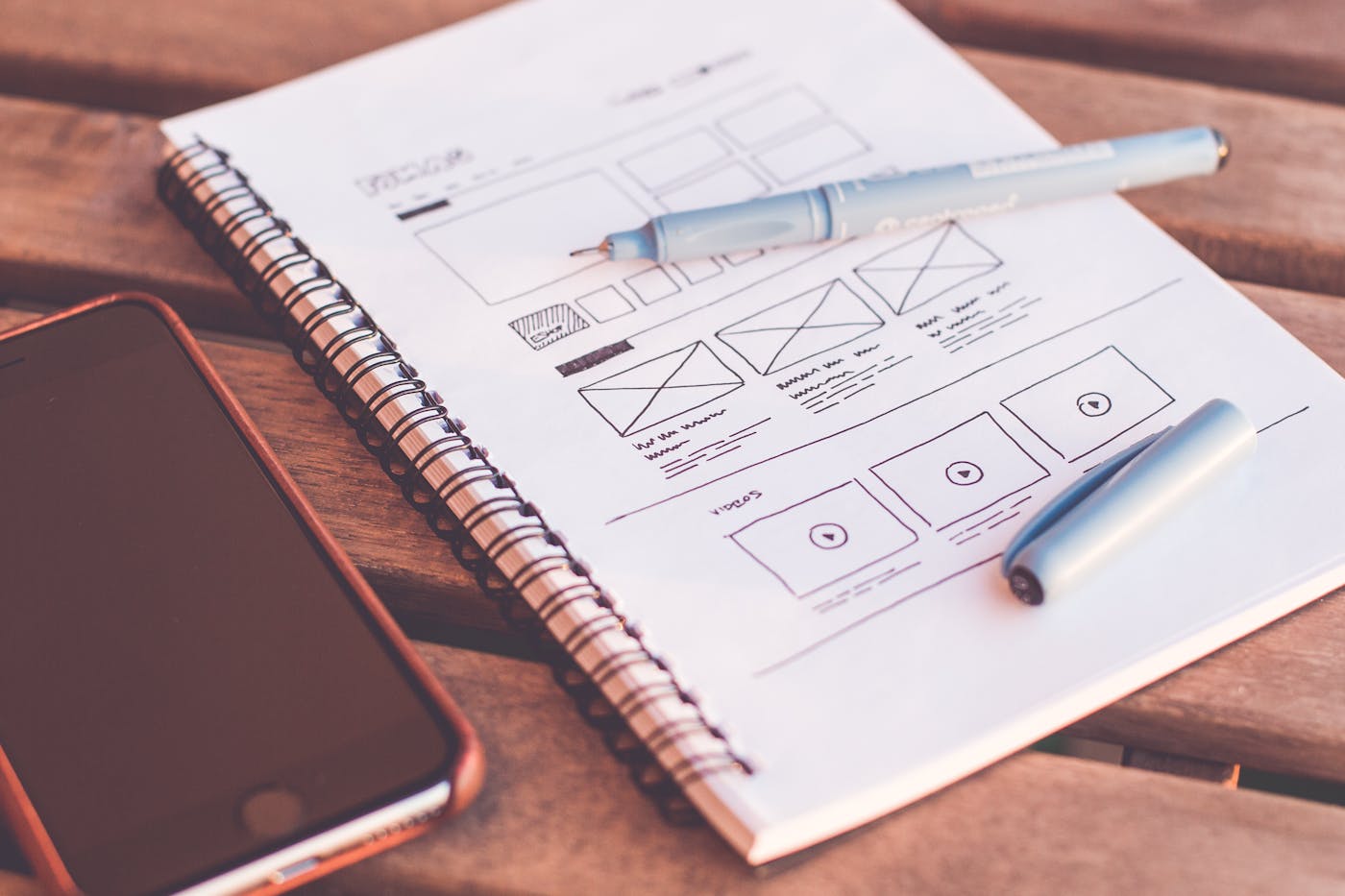
Your website should feel connected to the rest of your business.
If someone sees your social media, business card, storefront, packaging, and website, the brand should feel recognizable.
Consider:
- Brand colors
- Logo
- Typography
- Photography
- Icons
- Writing tone
- Overall personality
A website can modernize your brand without making the company look like an entirely different business.
4. Choose clarity before creativity
Creative design can make a website memorable.
But creativity should not make the website difficult to use.
Visitors should not have to discover how your navigation works or search for basic information because the layout is unconventional.
Use creativity where it strengthens the experience.
Keep essential actions familiar and easy.
If a creative design makes it harder to understand the business, find information, or contact you, the design is working against the website's purpose.
5. Decide what should get the most attention
Good design creates hierarchy.
Everything on the page should not compete equally for attention.
Your most important message should be visually stronger than supporting information.
Your primary call to action should be easier to identify than secondary actions.
Use size, spacing, placement, contrast, and color to guide visitors naturally through the page.
6. Keep navigation simple
Your website navigation is not the place to make visitors solve a puzzle.
Use familiar labels whenever possible.
- Home
- About
- Services
- Products
- Portfolio
- Resources
- Blog
- Contact
The exact navigation will depend on your business, but the principle remains the same:
Make important information easy to find.
7. Think about mobile before launch
Do not choose a design based only on how impressive it looks on a large desktop monitor.
The mobile version is equally important.
Check how the design handles:
- Navigation
- Headlines
- Images
- Buttons
- Forms
- Tables
- Spacing
- Calls to action
Some layouts that look excellent on desktop become cluttered when compressed onto a smaller screen.
8. Think carefully about your images
Photography can completely change the personality of a website.
Whenever possible, consider using authentic images from your business:
- Your team
- Your location
- Your products
- Your work
- Your customers, when appropriate and permitted
- Your process
Stock photography can also work, especially when it is carefully selected to match your brand.
Avoid choosing images simply because they look attractive.
They should support what the page is communicating.
9. Do not choose a template based only on the demo
This is especially important when using Wix, Squarespace, WordPress, Shopify, or another template-based platform.
Template demos often look impressive because they contain carefully selected photography, short headlines, perfectly sized content, and polished examples.
Your actual content may be very different.
Before choosing a template, imagine it with:
- Your logo
- Your real photos
- Your service descriptions
- Your product catalog
- Your testimonials
- Your actual calls to action
Choose the structure because it works for your business — not simply because the demo looks beautiful.
10. Do not blindly copy a competitor
Competitor websites can be useful for research.
Look at how they organize services, answer customer questions, present information, and guide visitors.
But avoid simply copying their design.
Your website should help explain why someone should consider your business.
If everyone in your industry looks identical, thoughtful differentiation can actually become an advantage.
11. Make trust part of the design
Trust should not be treated as one section at the bottom of the homepage.
It should appear throughout the customer journey.
Depending on your business, that can include:
- Reviews
- Testimonials
- Case studies
- Client logos
- Real project photos
- Team information
- Relevant certifications
- Clear contact information
12. Choose calls to action before choosing buttons
Before deciding whether a button should be orange, blue, rounded, square, large, or small, decide what the button needs to accomplish.
What is the primary action?
- Call
- Request a quote
- Book
- Buy
- Schedule
- Visit
- Download
- Contact
Design should make that action easy to recognize.
13. Consider how the website will grow
Think beyond launch day.
Your business may eventually need:
- Additional service pages
- Blog articles
- Landing pages
- New locations
- Online booking
- Ecommerce
- Email marketing integrations
- New team members
A good website structure should make reasonable future growth possible without forcing you to redesign everything each time something changes.
14. Do not follow every design trend
Website trends change quickly.
Some trends can make a site feel fresh and modern.
Others can become dated quickly or make the website harder to use.
Before adopting a trend, ask:
Does this improve the customer's experience, or does it simply make the website look trendy?
15. Make content part of the design process
Design and content should not be treated as completely separate projects.
The amount of information you need to communicate affects the layout.
A service that requires significant explanation needs a different page structure from a product that can be understood from one photograph and a short description.
Designing around real content generally produces a stronger result than creating beautiful empty boxes and trying to force the content into them afterward.
Simple website design checklist
Before approving a design, ask:
- Does it clearly explain what the business does?
- Does it feel appropriate for our customers?
- Does it match our brand?
- Is the navigation easy to understand?
- Is the most important information easy to see?
- Does it work well on mobile?
- Are the calls to action clear?
- Does it build trust?
- Can the website grow with the business?
- Does the design support our business goals?
The right website design is not just about appearance
Of course your website should look good.
But appearance is only one part of good web design.
The right design brings together your brand, your customers, your content, your goals, and the actions you want visitors to take.
When those elements work together, the website does more than look professional.
It becomes useful to the business.
Do not choose your website design simply because it looks good. Choose it because it helps the right people understand your business, trust it, and take the next step.
A better website starts with the right questions — not the right template.
KeyOff's free Website Check-Up can help you take a closer look at your current site and identify where design, content, usability, and strategy could work harder for your business.