Is Your Website Doing Its Job? 10 Questions to Ask
Your website may look good, but appearance is only part of the job. A business website should help people understand what you offer, trust your business, find what they need, and take the next step. These 10 questions can help you see whether yours is actually working.
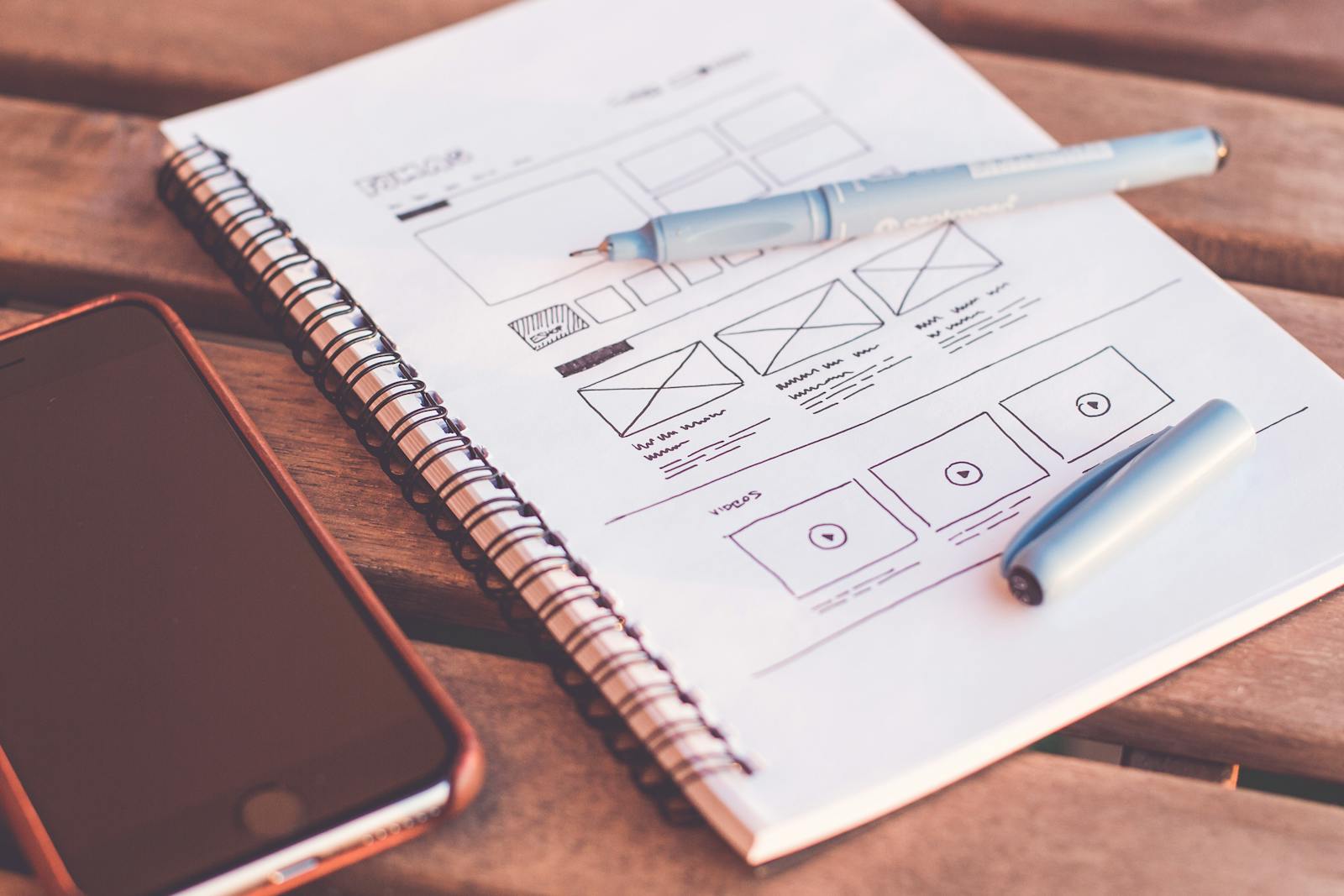
A website's job is not simply to exist or look professional. It should help the right visitor quickly understand your business and know what to do next.
Start by looking at your website like a customer
Business owners see their websites differently from customers.
You already know what your company does. You know your services, terminology, history, and how customers should contact you.
A new visitor may know none of those things.
They may arrive from Google, social media, an advertisement, a referral, or a link someone sent them. Within a short visit, they are trying to determine whether your business is relevant to what they need.
That makes clarity one of the most important jobs of your website.
Open your homepage and imagine you have never heard of the business. Without using any information you already know, ask yourself: What would I understand from this page?
1. Can visitors immediately tell what your business does?
Your homepage should not make people work to understand your business.
A visitor should be able to identify the general purpose of your company from the main headline, supporting message, imagery, and navigation.
Clever language can be useful, but not when it replaces clarity.
Look at your homepage and ask:
- What does this company offer?
- Who is it for?
- What problem does it help solve?
- What should I do next?
If those answers are difficult to find, your homepage message may need to be simplified.
2. Is it clear who your website is for?
Trying to speak to everyone often produces generic marketing.
Your website should make your ideal customers feel that they have arrived in the right place.
That can happen through the problems you discuss, the services you highlight, the examples you use, and the language you choose.
A visitor should recognize something about their own situation in your website content.
3. Is your website easy to navigate?
Visitors should not need instructions to use your website.
Keep your primary navigation simple and predictable.
Important information such as services, products, about information, resources, and contact options should be easy to locate.
- Are menu labels clear?
- Are important pages easy to reach?
- Are there unnecessary menu items?
- Can visitors easily return to the homepage?
- Can they find contact information without searching for it?

4. Does your website work well on a phone?
Do not evaluate your website only from your desktop computer.
Open it on a phone and actually use it.
Check whether:
- Text is easy to read
- Buttons are easy to tap
- Images fit the screen correctly
- The navigation works properly
- Forms are easy to complete
- Important information appears without excessive scrolling
A website can look excellent on a large screen and still create a poor experience on mobile.
5. Does your website give visitors a reason to trust you?
Before contacting an unfamiliar business, customers often look for signs that it is credible.
Your website can support that trust with real information about your company.
Depending on your business, useful trust signals may include:
- Customer reviews or testimonials
- Real photos of your team or work
- Case studies
- Professional affiliations
- Relevant certifications
- Clear contact information
- An informative About page
Only display claims, testimonials, certifications, or credentials that accurately represent your business.
6. Is your content still accurate?
A website can quietly become outdated.
Services change. Employees change. Prices change. Business hours change. Locations move. Offers expire.
Review your website periodically for information that no longer reflects the business.
An outdated website does more than provide old information. It can make visitors wonder whether the business itself is still active and attentive.
7. Does every important page have a clear next step?
Once someone understands what you offer, what should they do?
Do not assume they will figure it out.
Give visitors a clear call to action based on the purpose of the page.
That might be:
- Request a quote
- Schedule a consultation
- Call your business
- Send a message
- Shop products
- View services
- Download a resource
Not every page needs the same call to action, but important pages should help visitors move forward.
8. Is it easy to contact your business?
This sounds obvious, but contact friction is easy to overlook.
Test your own website.
- Can you quickly find the phone number?
- Is the phone number clickable on mobile?
- Can you find the contact form?
- Does the form actually work?
- Are required fields reasonable?
- Does the confirmation message appear after submission?
If contacting your business feels difficult during your own test, it may be even more frustrating for a first-time visitor.
9. Does your website support your visibility on Google?
Your website also helps search engines understand your business.
Each important service or topic should have enough useful information to explain what you provide.
Review whether your site clearly communicates:
- Your business name
- Your main products or services
- Your location or service area when relevant
- Useful answers to customer questions
- Clear page titles and headings
Avoid writing pages only for search engines. Your content should first help real customers understand your business.
10. Is your website generating meaningful actions?
The final question is one of the most important:
What happens because people visit your website?
Depending on the purpose of your business, useful outcomes might include:
- Phone calls
- Quote requests
- Contact form submissions
- Appointments
- Purchases
- Email signups
- Resource downloads
Traffic alone does not tell the entire story.
A website receiving fewer visitors but generating qualified inquiries may be more valuable than one receiving large amounts of irrelevant traffic.
Do not judge your website only by how it looks
Design matters.
A professional appearance can influence first impressions and make your business easier to understand.
But design should support the larger purpose of the site.
A beautiful website that hides important information, loads poorly, confuses visitors, or provides no clear next step still has work to do.
The 10-question website check
- Can visitors immediately tell what my business does?
- Is it clear who my website is for?
- Is the website easy to navigate?
- Does it work well on mobile?
- Does it build trust?
- Is all important information accurate?
- Are there clear calls to action?
- Is contacting my business easy?
- Does the site support my Google visibility?
- Is it generating meaningful customer actions?
You do not need a perfect website. The purpose of the check is to identify the areas where a few practical improvements could create a clearer and more useful experience for your customers.
Test the customer journey yourself
One of the easiest ways to evaluate your site is to complete the same journey you expect from a customer.
Try this:
- Search for your business on Google
- Open your website from the search result
- Use your phone instead of your desktop
- Find your main service
- Find your contact information
- Complete your contact form
- Check what happens after submission
You may discover small problems that are easy to fix but difficult to notice when you only look at the site as its owner.
Your website should help your business move forward
Your website is one part of your larger digital presence, but it often plays an important role in the customer journey.
People may discover your business somewhere else and visit your website before deciding whether to contact you.
That means the website needs to do more than simply exist.
It should communicate clearly, build confidence, answer important questions, and make the next step easy.
A good website does not make visitors work to understand your business. It helps them quickly answer three questions: “Am I in the right place?”, “Can this business help me?” and “What should I do next?”
Your website should be working for your business — not simply taking up space online.
Use KeyOff's free Website Check-Up to take a closer look at your website and identify practical opportunities to make it clearer, stronger, and more useful for your customers.